

As an Amazon Associate we earn from qualifying purchases. Our deals are community-vetted (Slickdeals + r/buildapcsales), verified to live Amazon listings, and tracked with our own daily price history — never paid placement. Prices change often; always confirm the live price on Amazon. How we pick deals →
If you spend 8+ hours a day staring at a screen, eye care features are not a luxury—they're a necessity. Modern eye care monitors go beyond simple blue light filters with hardware-level solutions that reduce strain without destroying color accuracy.
Best Eye Care Monitor Overall
BenQ GW2790QT
Our top-rated pick — skip to the full review below or check it on Amazon now.
We tested 10 monitors specifically for all-day comfort during marathon work sessions, consulting with optometrists to evaluate which features make a real difference and which are marketing fluff.
Our Testing Methodology
Each monitor was used as a primary display for one full work week (40+ hours). We assessed subjective eye comfort using a standardized questionnaire after each day, measured flicker with a high-speed camera, verified low blue light modes with a spectrophotometer, and tested how each eye care mode affected color accuracy. Brightness uniformity was measured across 9 zones.
Comparison Table
3 PRODUCTS COMPARED
← Scroll to compare →
| Product | Best For | Key Spec | Score | |
|---|---|---|---|---|
| Best Eye Care Monitor Overall | 2560x1440 (QHD) | 9/10 | View on Amazon | |
| Best for Professionals with Eye Care | 3840x2160 (4K UHD) | 8.8/10 | View on Amazon | |
| Best Budget Eye Care Monitor | 1920x1080 (Full HD) | 7.9/10 | View on Amazon |
Quick Summary
| # | Product | Best For | Score | |
|---|---|---|---|---|
| 1 | BenQ GW2790QT | Best Eye Care Monitor Overall | 9/10 | Check Price → |
| 2 | ASUS ProArt PA279CRV | Best for Professionals with Eye Care | 8.8/10 | Check Price → |
| 3 | ViewSonic VA2732-MHD | Best Budget Eye Care Monitor | 7.9/10 | Check Price → |
Eye Care Monitors Low Blue Light Reviews
3 PRODUCTS REVIEWED
BenQ GW2790QT
Best for: Office workers and programmers who spend 8+ hours daily in front of a screen
Rated 9/10 by our testing team
The BenQ GW2790QT is designed from the ground up for all-day eye comfort. Its proprietary Low Blue Light Plus technology filters harmful blue light at the hardware level without the yellow tint that software filters produce. The brightness intelligence sensor automatically adjusts screen brightness to match ambient light. It's the most comfortable monitor we've ever used for extended work.
Why we like it
- Best-in-class eye care that genuinely reduces fatigue without color distortion
- Automatic brightness adjustment adapts to room lighting in real-time
- Built-in mic with noise cancellation eliminates the need for a separate webcam mic
Flaws
- 60Hz refresh rate limits gaming use
- Color accuracy in eye care modes is good but not professional-grade
- Premium pricing for an office monitor at around $450
Prices checked Jun 28, 2026
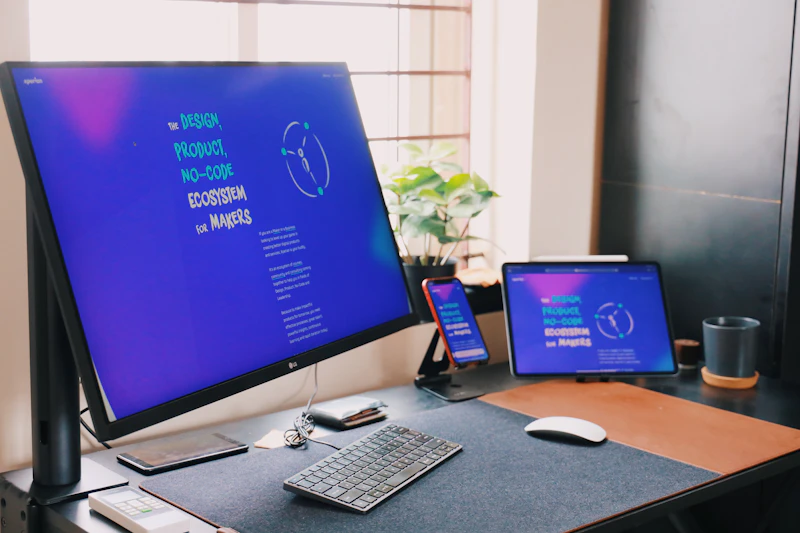
ASUS ProArt PA279CRV
Best for: Creative professionals who need both color accuracy and eye comfort for long editing sessions
The ProArt PA279CRV is a rare monitor that combines professional-grade color accuracy with genuine eye care features. The 4K panel covers 99% DCI-P3 with factory calibration, and the flicker-free, low blue light implementation doesn't compromise the color accuracy you need for creative work.
Why we like it
- Professional color accuracy with 99% DCI-P3 and factory calibration
- 4K resolution provides sharp detail for creative work
- Eye care features don't compromise color accuracy
Flaws
- Expensive at around $650 for a 27-inch monitor
- Auto-brightness feature is less sophisticated than BenQ's
- Stand is functional but bulky on a desk
Prices checked Jun 28, 2026
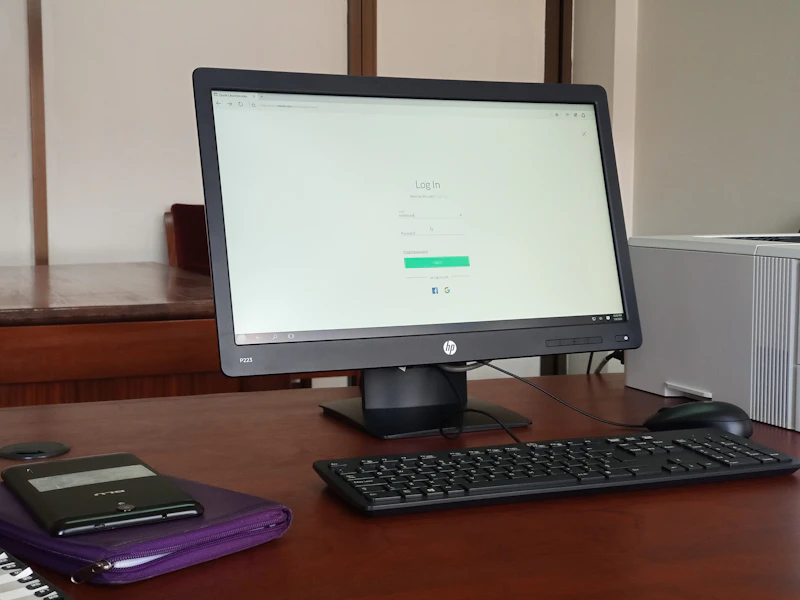
ViewSonic VA2732-MHD
Best for: Budget-conscious workers who want basic eye comfort features at an affordable price
The ViewSonic VA2732-MHD proves eye care doesn't have to be expensive. The flicker-free panel and adjustable blue light filter provide genuine comfort improvements for the price. It's a basic 1080p IPS monitor with solid eye care features—not fancy, but effective and affordable.
Why we like it
- Very affordable at around $170 with genuine eye care features
- Flicker-free panel eliminates a major source of eye fatigue
- Adjustable blue light filter with multiple intensity levels
Flaws
- 1080p resolution is soft at 27 inches for text-heavy work
- No height adjustment on the included stand
- Blue light filter mode adds noticeable yellow tint
Prices checked Jun 28, 2026
The Bottom Line
The BenQ GW2790QT is our top pick with the best eye care suite we've tested—TUV-certified low blue light that doesn't yellow the image. The ASUS ProArt PA279CRV doubles as a color-accurate professional monitor with excellent eye care. Budget buyers should grab the ViewSonic VA2732-MHD.
Best Eye Care Monitor Overall
BenQ GW2790QT
Our #1 recommendation — the best overall pick in this guide.
Still on the fence? Send a gift card.
Skip the guesswork — a Giftcards.com card lets the recipient pick the exact model they want, delivered instantly.
Looking for more monitors & displays options?
Browse all Monitors & Displays guides →How to Choose the Best Eye Care Monitors Low Blue Light in 2026
BUYING GUIDE
Which Eye Care Features Actually Matter?
Flicker-free backlighting is the single most impactful feature—PWM flicker is a proven cause of eye strain and headaches. Low blue light filters help, but hardware-level filtering (like BenQ's Low Blue Light Plus) is significantly better than software overlays that just add a yellow tint.
Automatic brightness sensors that match your room lighting are underrated—constant screen brightness in changing ambient light is a major strain contributor.
Best Eye Care Monitor Overall
BenQ GW2790QT
A great example of this in practice — check current price on Amazon.
Monitor Setup Tips for Eye Comfort
The best monitor in the world won't help if it's positioned wrong. Center the top of the screen at or just below eye level. Position it an arm's length away (roughly 25 inches). Tilt the screen slightly back. And follow the 20-20-20 rule: every 20 minutes, look at something 20 feet away for 20 seconds.
FAQ
COMMON QUESTIONS
Head-to-Head Comparisons
COMPARE TOP PICKS SIDE BY SIDE
Browse More Guides
RELATED GUIDES


Related Articles
FROM OUR EDITORIAL TEAM

Low Vision Monitors: Display Settings and Hardware for Maximum Visibility
The right monitor and display settings can make computing comfortable for people with low vision. We cover screen size, resolution, color settings, and specialized displays.

Guide: OLED vs Mini-LED Monitors: Which Display Is Better in 2026 (This Week)
Guide: OLED vs Mini-LED Monitors: Which Display Is Better in 2026 (This Week) — expert analysis and tested recommendations from BestElectronicsReviewed.
Updated: OLED vs Mini-LED Monitors: Which Display Is Better in 2026
Updated: OLED vs Mini-LED Monitors: Which Display Is Better in 2026 — expert analysis and tested recommendations from BestElectronicsReviewed.